Running employee transport for one office is hard enough. Running it across three cities, each with its own vendors, shift patterns, and local quirks, is a different problem entirely — because whatever inefficiencies exist in one location don't just repeat elsewhere, they multiply, often in ways nobody notices until someone finally sits down and looks at the full picture.
Here's a common pattern at companies with offices in multiple cities, before and after adopting Employee Transportation Software.
Before: Three Cities, Three Different Versions of the Same Problem
Without a shared Employee Transportation Software system, transport is usually managed locally in each city — its own vendor, its own informal process, and its own person unofficially "handling it" alongside their actual job. A few things tend to show up consistently in this setup:
- Inconsistent pickup timing. Employees in one city might have a fairly predictable commute, while another location deals with frequent, unexplained delays — and nobody at head office has visibility into why the gap exists.
- Untracked or unlogged trips. Some cities keep careful manual records; others don't track missed pickups at all, which means leadership never sees the true scale of the problem, only the complaints that happen to escalate.
- Uneven vendor pricing. Each city negotiates separately, often for functionally similar routes, with no shared data to compare rates against. Cost differences between locations tend to go unnoticed simply because nobody's looking at them side by side.
- Admin time quietly disappearing. Whoever is "handling transport" locally in each city spends a meaningful chunk of their week on manual coordination — phone calls, spreadsheet updates, chasing vendors — time that's rarely accounted for anywhere.
- Employee frustration that looks scattered. Complaints trickle in from different cities in different forms — a late pickup here, an unreachable driver there — and because they're not tracked centrally, they never add up to a clear enough signal to prompt action.
None of this looks like a crisis in any single city. Together, it's a pattern: local improvisation standing in for a shared system, which is common once a company grows beyond one location.
Why Multi-Location Transport Breaks Down Differently Than Single-Site
A single office with a transport problem usually has one visible fix. Multi-location transport is harder to diagnose because each city's version of the problem looks slightly different, and nobody's comparing them side by side. One city might struggle with vendor reliability, another with driver communication, another with cost creep — and because there's no shared Employee Transportation Software tying it together, leadership only ever sees fragments, usually after a complaint reaches HR.
This is where Employee Transportation Software tends to earn its value in a multi-location setup: not by fixing any one city's specific issue, but by making all of them visible in the same place, using the same metrics, at the same time. Without it, leadership only ever sees fragments, usually after a complaint reaches HR.
What Typically Changes After an Employee Transportation Software Rollout
Companies that move from this fragmented setup to centralized Employee Transportation Software usually standardize a few things that were previously handled inconsistently across cities: shift-based scheduling, live vehicle tracking, and IVR-based call masking so employees and drivers can coordinate pickups directly without exchanging personal phone numbers. Vendor and usage data, previously scattered across separate local arrangements, starts feeding into a single shared dashboard.
The result, in practice, tends to look like this:
- Pickup timing becomes visible and predictable, since employees can see live tracking instead of waiting on a vendor's best guess.
- Missed or unlogged trips drop sharply, simply because every trip is now recorded automatically rather than relying on whoever happened to be tracking it manually in a given city.
- Cost comparisons become possible, once all locations are working off the same usage data instead of three disconnected negotiations.
- Admin time gets freed up, because status updates and booking confirmations no longer require a person manually relaying information between employees and vendors.
- Complaints drop and consolidate, since most of what previously generated frustration — unclear timing, unreachable drivers — has a direct fix built into the system.
The specific improvement any given company sees will vary — it depends on how fragmented the "before" state actually was. But the direction of change is consistent: three separate, informal processes start behaving like one manageable system.
What Actually Drives the Change
A few specific capabilities of Employee Transportation Software tend to do most of the work in this kind of shift:
- Shared visibility lets leadership compare cities on equal footing, instead of relying on whichever local coordinator happens to escalate an issue.
- Live tracking removes the guesswork that causes most delay-related complaints — employees are usually less frustrated by lateness itself than by not knowing about it in advance.
- IVR-based call masking addresses a quieter problem: drivers and employees exchanging personal numbers across multiple cities, with no consistent way to manage or revoke that contact once a trip is done.
- Centralized vendor data gives the company real leverage in renegotiating contracts, since cost comparisons across cities stop being guesswork.
Where MoveAtoZ Fits Into a Multi-Location Setup
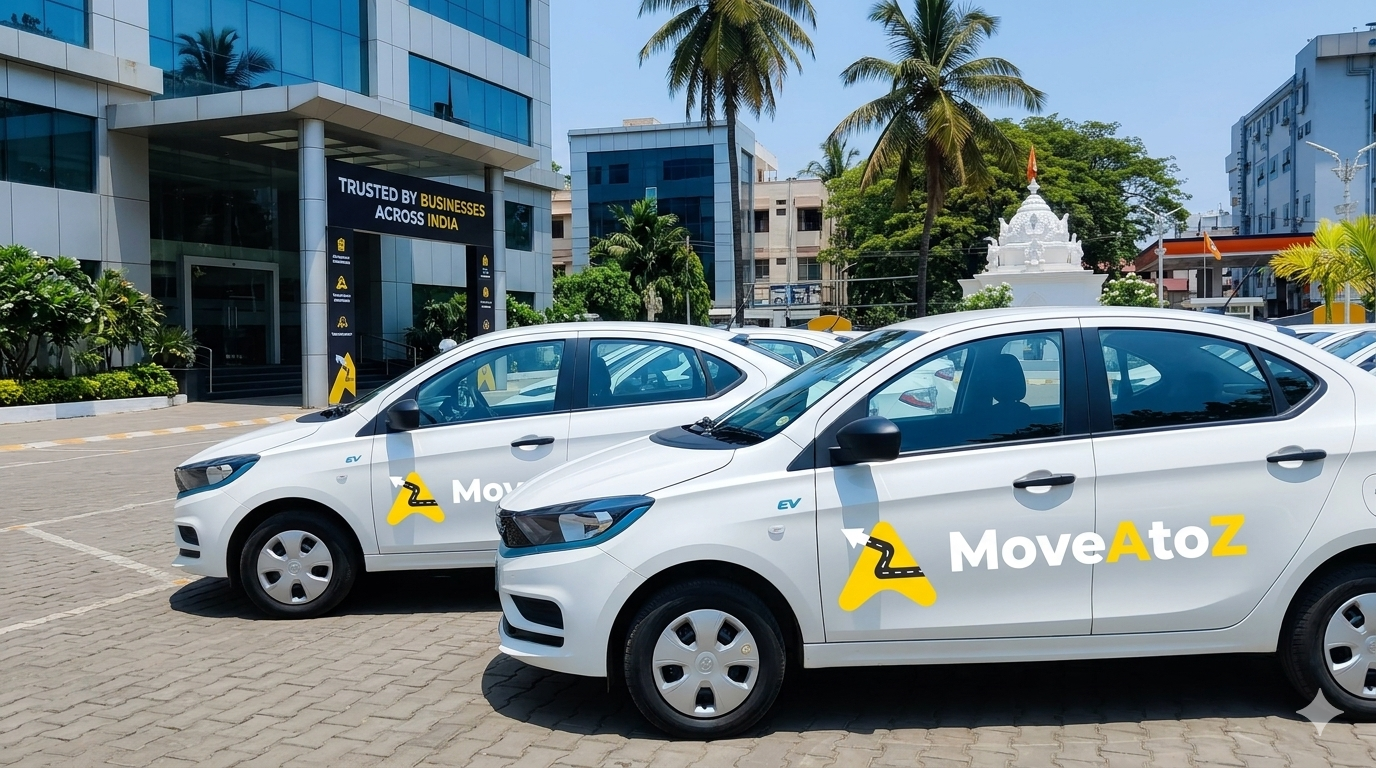
For companies in a similar position, MoveAtoZ is built around this exact scenario — centralized tracking, scheduling, and vendor management across multiple locations, plus IVR-based call masking between employees and drivers, all visible from a single dashboard rather than several disconnected local processes. The value isn't really about any one city's transport getting better in isolation; it's about finally being able to see all of them the same way at once.
What This Means If You're Evaluating Employee Transportation Software for Multiple Offices
A few practical takeaways if your company operates in more than one city:
- 1Look at your locations side by side before assuming you know the problem. Most companies underestimate cost variance and admin time until they actually compare cities against each other rather than looking at each in isolation.
- 2Don't rely on complaints as your main signal. Complaints only surface a fraction of what's actually going wrong — untracked trips and quiet delays rarely get reported unless someone's specifically looking for them.
- 3Prioritize shared visibility over local optimization. A slightly better process in one city doesn't help much if the other two are still running blind.
- 4Treat driver-employee communication as a real consideration, not a footnote. IVR-based call masking sounds like a minor detail until you consider how many personal numbers are being exchanged across a growing multi-city workforce.
The Bottom Line
The shift from fragmented, city-by-city transport coordination to a single shared system rarely comes down to one dramatic fix. It's the compounding effect of replacing several separate, informal processes with Employee Transportation Software that lets a company finally see, measure, and manage transport the same way across every location at once — instead of piecing together a picture from whatever complaints happen to reach head office. For any multi-city company still coordinating transport locally, that's usually the clearest sign it's time to look at Employee Transportation Software.