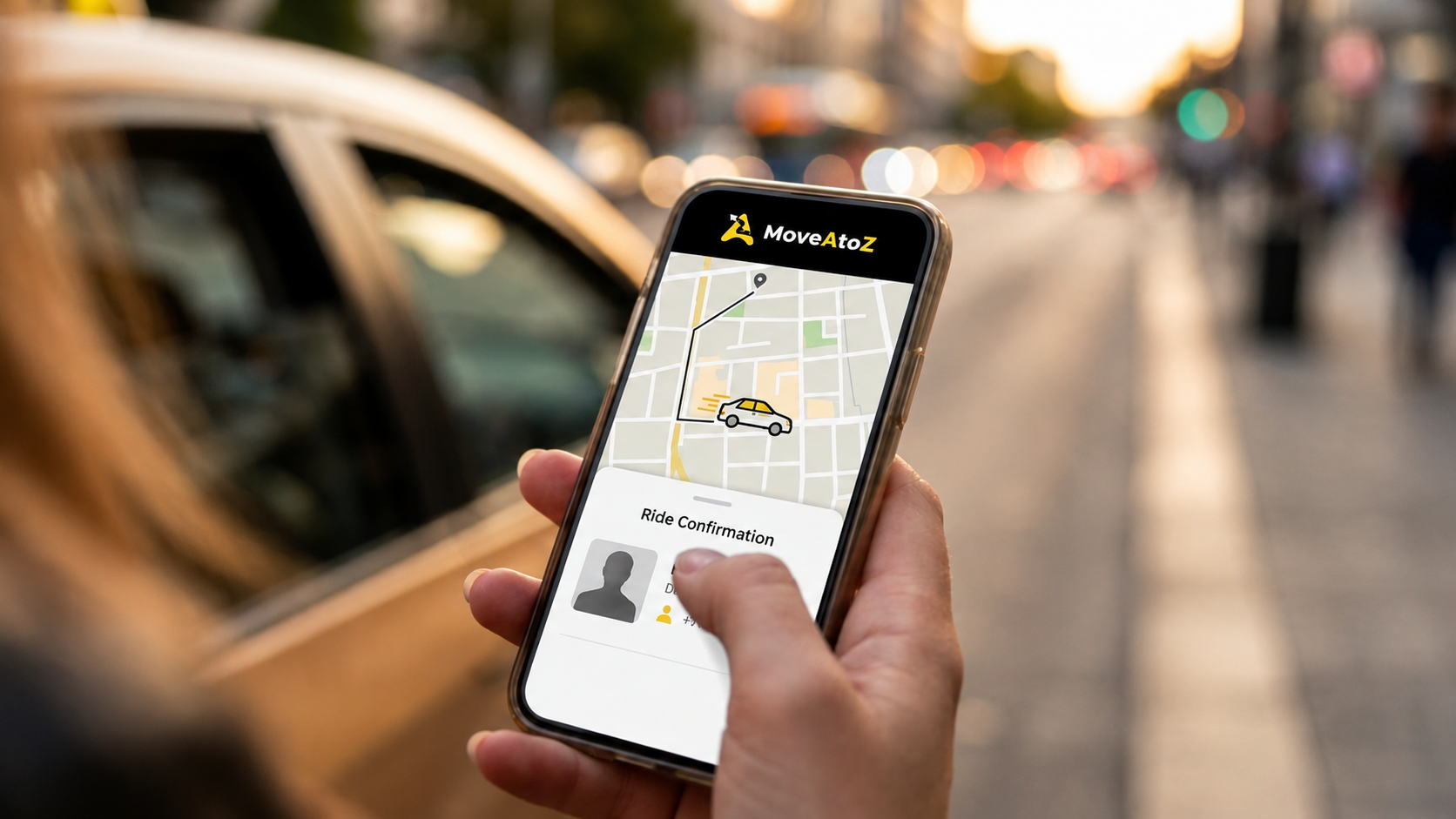
Most people picture "using a transport app" as some vague, abstract upgrade until they actually walk through it step by step. So here's exactly that — what happens at each stage of using a dedicated Employee Transport App, compared to what the same moment looks like without one. It's the clearest way to see what an Employee Transport App is actually solving, rather than just what it's called.
A new employee gets login access, installs the app, and logs in with their email or phone number. That's it — from there, location, scheduling, and tracking all live in one place.
Compare that to how it usually works without an Employee Transport App: someone on the admin team has to sit down and manually walk every new joiner through the process. Which vendor to call. Which group to message. Who to contact if a cab doesn't show up. And that conversation happens again, from scratch, for every single new hire.
On first login, the employee sets their home pickup location once — either using their current location or searching for it manually. It applies automatically to every future ride after that.
Without an app doing this, pickup addresses tend to live wherever the admin happens to be keeping track of them that week — a spreadsheet, a message thread, sometimes just memory. Any change to an address means tracking down whoever's coordinating transport and hoping it actually gets updated correctly.
This is where things get genuinely self-service. Employees pick their dates, choose whether they need a pickup, a drop, or both, and that's the request submitted. No follow-up call needed to confirm it went through.
The manual version of this is familiar to anyone who's dealt with it: every request goes through a person, usually by phone or message, with no easy way to plan several days ahead at once and no simple way to know for sure the request landed.
Once a driver is assigned, the employee can see the driver's name and vehicle details ahead of time, so pickup isn't a guessing game. On the driver's side, status updates like "reached" or "picked up" still get marked manually — but the app checks that the driver is actually near the right location before it'll let that status go through, so a status can't be marked from somewhere else entirely.
Without that check in place, employees are usually just told "your cab is coming," with no vehicle details and no way to verify an "arrived" status beyond taking a driver's word for it over the phone.
Once a trip starts, the employee can watch the driver's live location and route on a map, and call the driver directly if something needs sorting out mid-trip.
The alternative here is the one most people already know: calling the vendor, waiting, and hoping someone checks and calls back — sometimes more than once during a single ride.
The employee shares a one-time code with the driver to confirm they've boarded the right vehicle. And if a pickup doesn't happen within the expected window, the system catches it — flagging it as a no-show and notifying admins automatically, with nobody needing to notice or report it by hand.
Without this, no-shows tend to slip through unless someone happens to follow up, which means they often go completely unrecorded — making patterns hard to spot and billing disputes hard to resolve later.
An SOS option sits right there throughout an active trip. If it's triggered, an alert goes straight to the admin team, immediately.
Without an Employee Transport App, a safety issue mid-trip depends entirely on someone answering a phone call at exactly the right moment — no automatic alert, and often no real record afterward that anything happened at all.
Support questions — a scheduling issue, a wrong location, a login problem — route through the organization's own admin team, with basic help resources sitting inside the app itself.
Without that, getting help usually means figuring out who to call first, often with no clear single point of contact, which slows down everything from a small question to something genuinely urgent.
None of these steps look dramatic in isolation — an app, a location, a code, a notification. What actually changes is that each one replaces something that used to depend entirely on a phone call, a message, or someone remembering to follow up. An Employee Transport App doesn't reinvent the commute itself. It just makes sure every step of it — setup, boarding, emergencies, all of it — has a real record and a real answer, instead of relying on whoever happens to be reachable in that moment.
The gap between using an Employee Transport App and not using one isn't really about technology for its own sake. It comes down to whether basic questions — where's my cab, did I get picked up, does anyone actually know something went wrong — have real answers built in, or whether they just depend on someone remembering to check. A good Employee Transport App turns those questions from a daily source of low-grade uncertainty into something that's simply already answered, for everyone involved.